Introduction
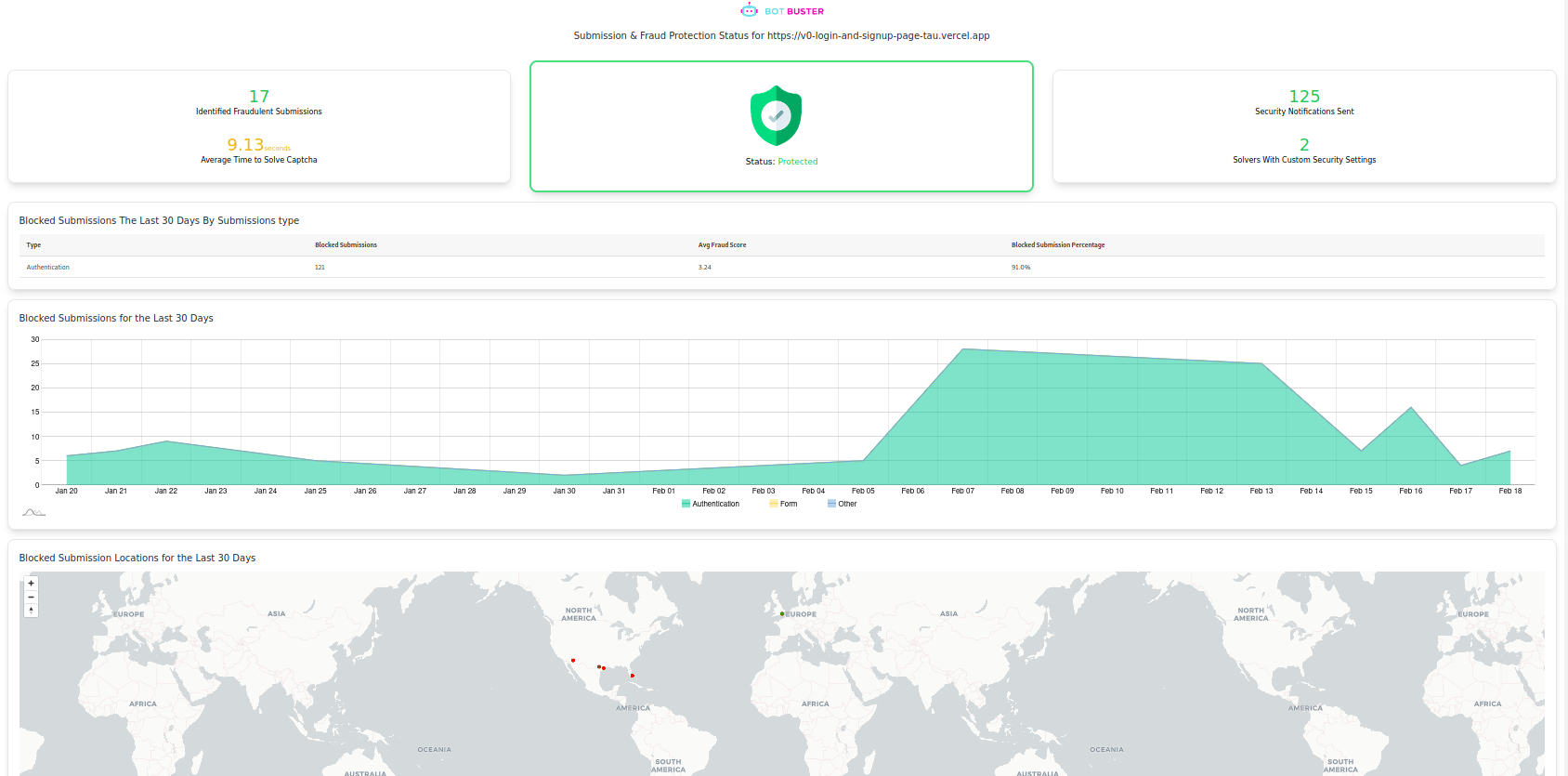
This optional portal is a publicly facing dashboard that shows a website is protected from bots and fraud. It is meant to build customer trust in the security of a website. The portal does this by showing live security statistics and the current status of Bot Buster.Enabling and Disabling Portals
Each website Bot Buster is installed upon will have its own row in the table and its own portal. The current Status of the portal will show for each row. To enable or disable the portal for a specific website, making it publicly available, simply click on the row. This will open up an example of what the dashboard would display to customers. There will be a toggle on the top left which can be turned on and off that will make the dashboard publicly facing. The portal URL is also available on this page.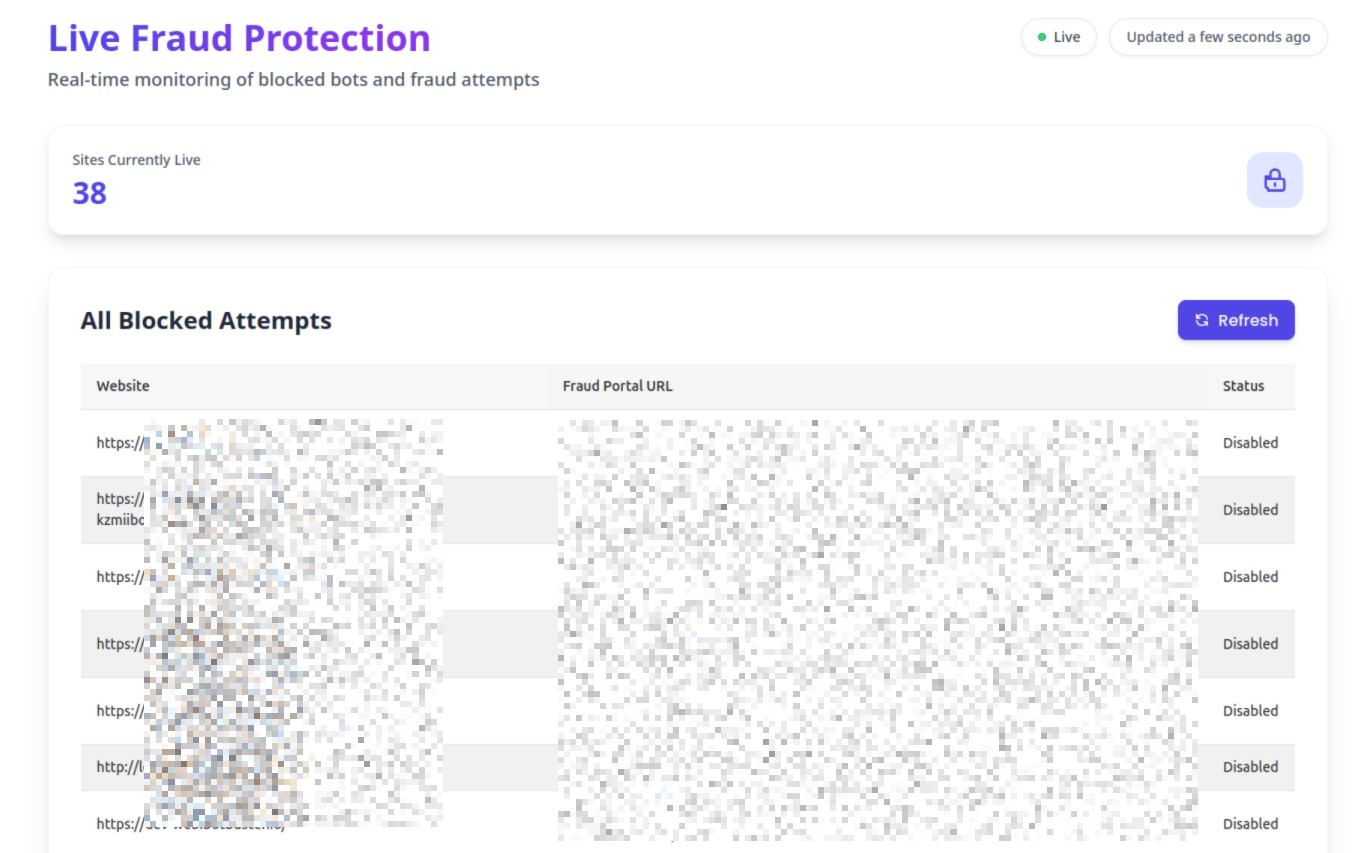
Portal Access
To access the portal, open the Portal URL, which is to the right of the toggle, in a browser. Portals will only be publicly available if the toggle is enabled.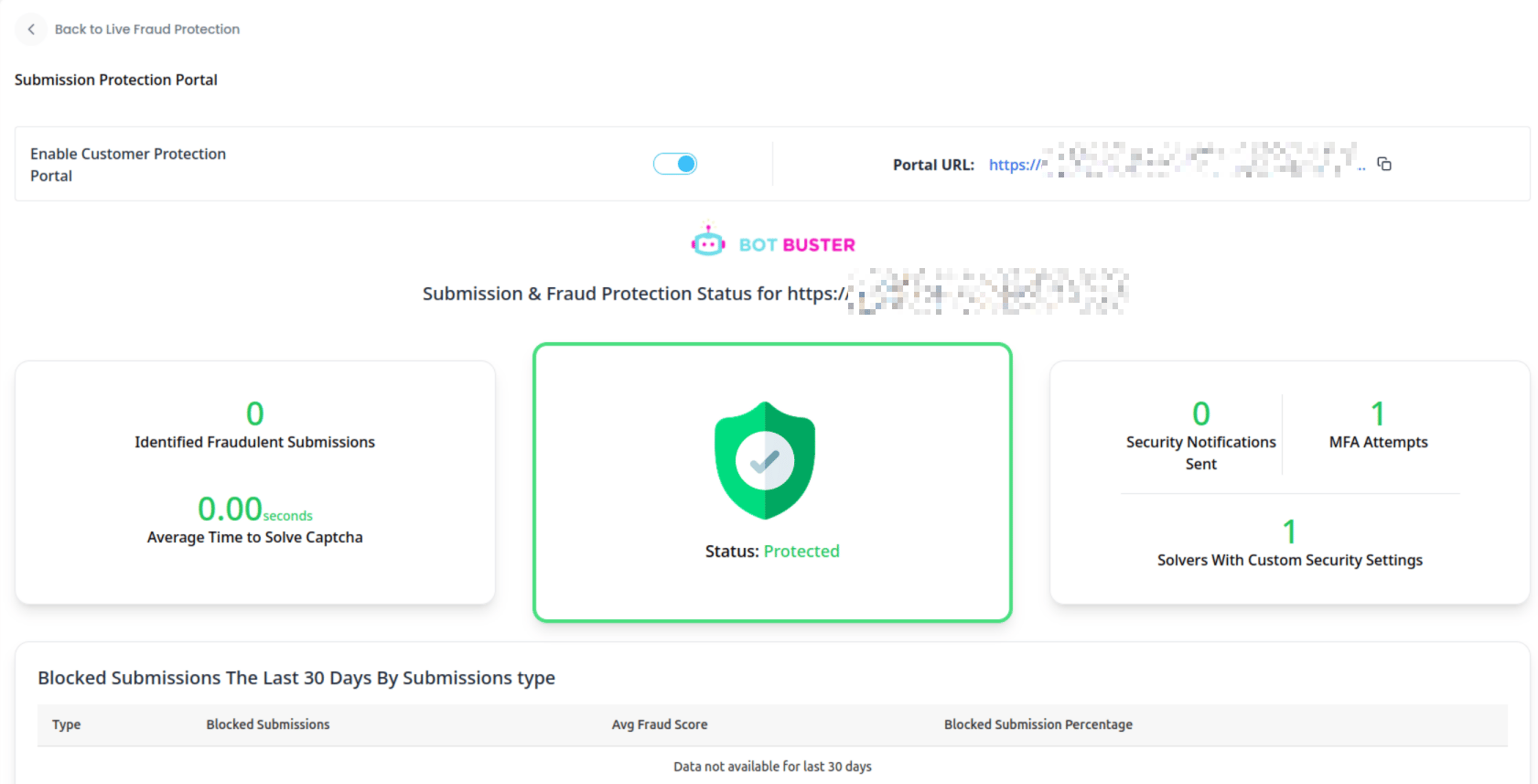
Example Portal View