What is Bot Buster?
Bot Buster’s software solution gives website visitors the ability to increase security by configuring their Quick Checks, view their submission history, report fraud, create their own tests, and more.First-Time User? - Create Account
All first-time users will be required to create their account and set a password by email. Follow the instructions below.- First, visit https://portal.botbuster.io/
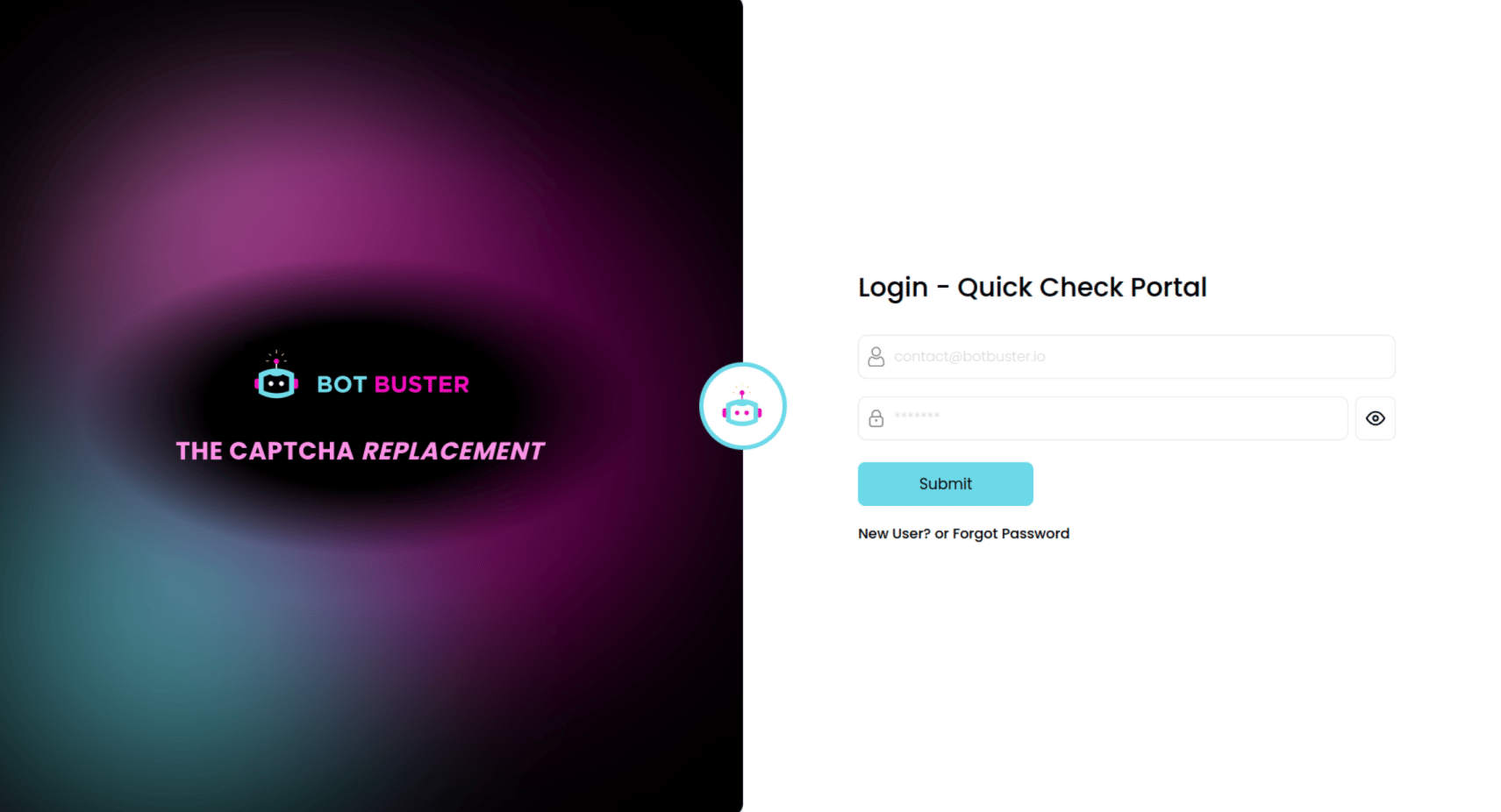
- Next, click the “New User? or Forgot Password” link. Then enter your email address.
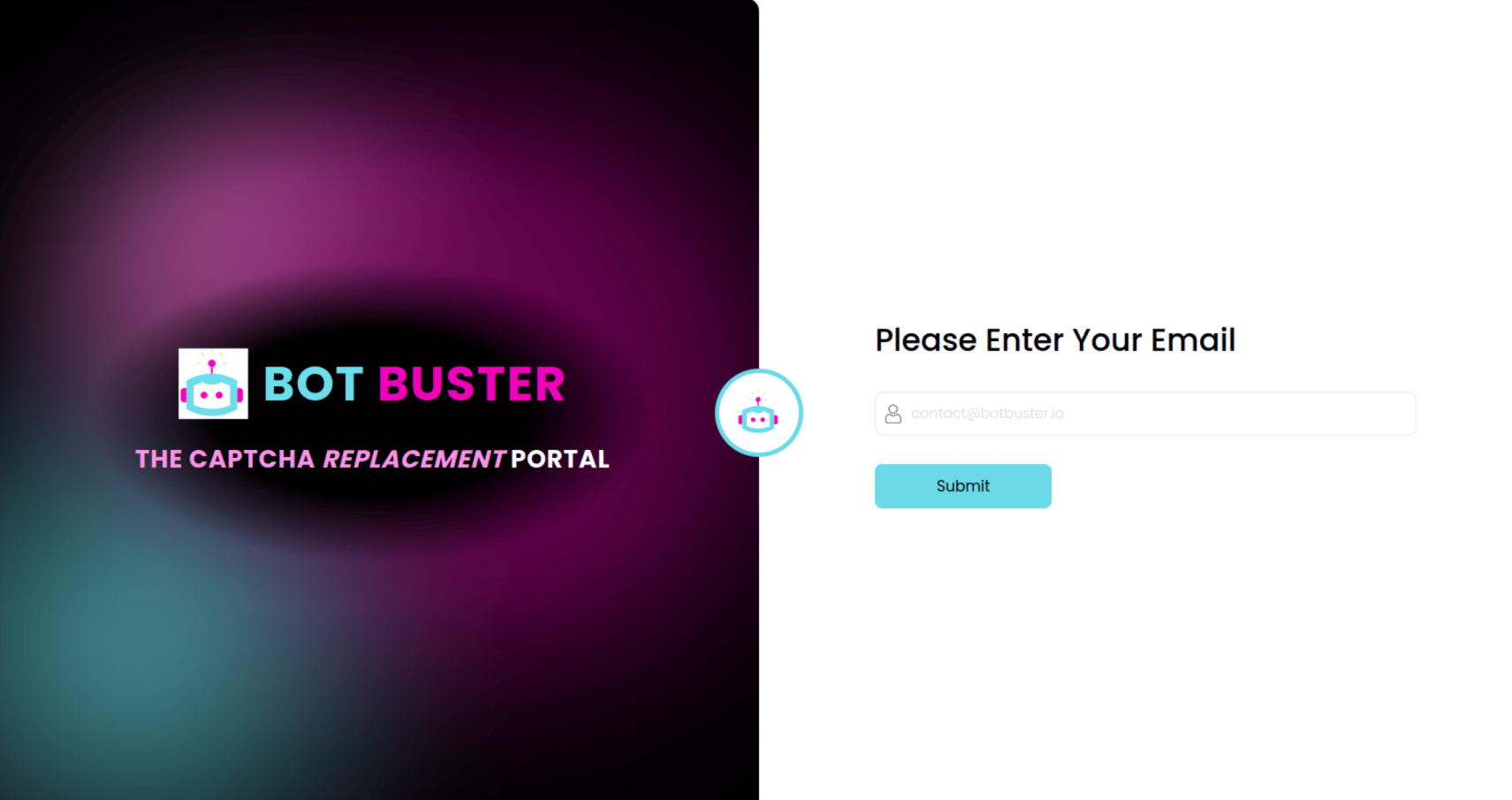
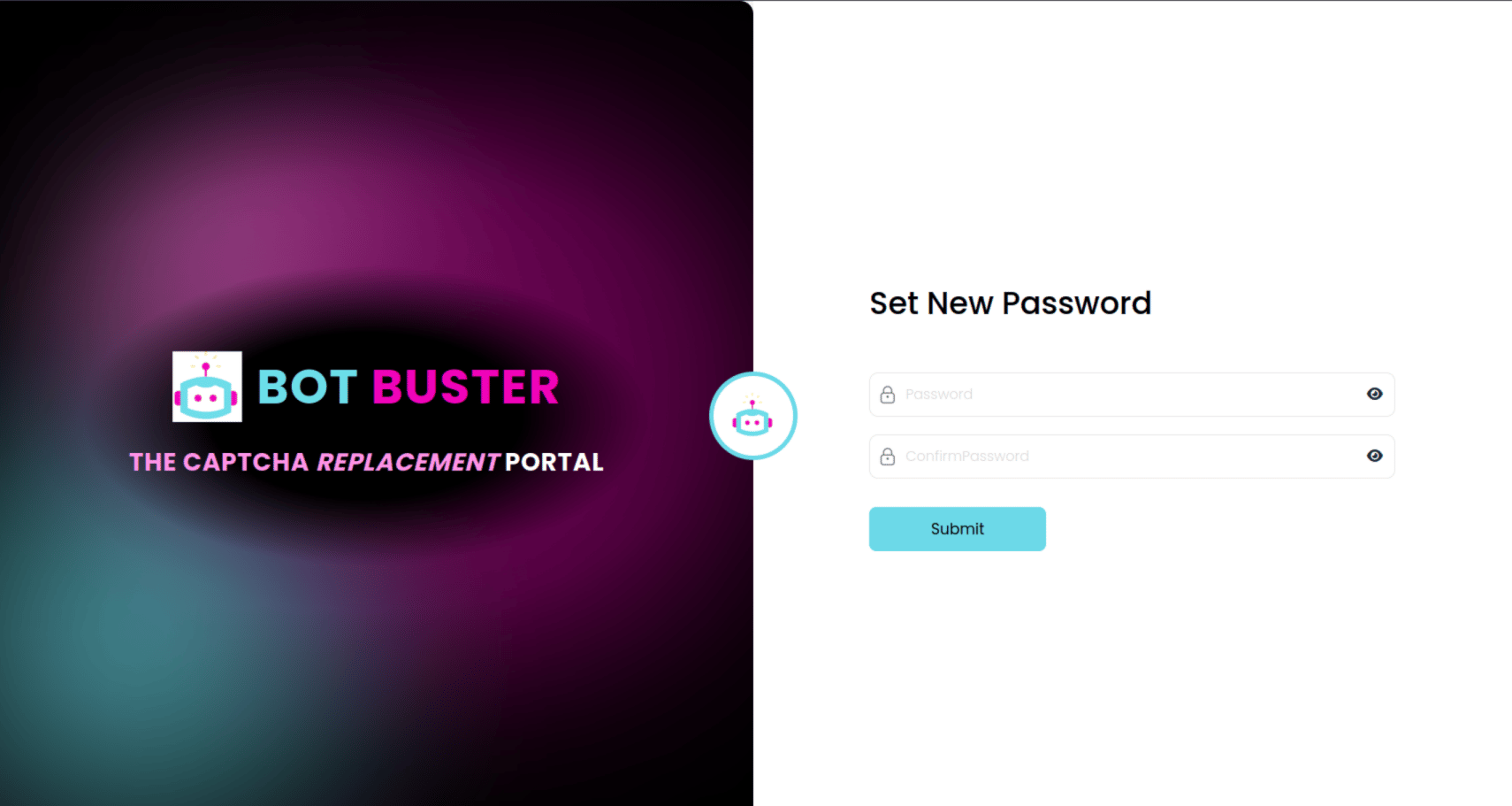
- Go to your email account and click the link sent by Bot Buster to update your password. Enter a password, submit and log in.
Portal Basics
Portal Header

- Alerts :: This icon shows the number of unacknowledged alerts. Clicking the icon will bring you to the Alerts dashboard.
- Account Email :: The account email can be clicked to bring you to your user settings page. A Gold Star indicates that the user currently has a Premium Subscription. Access to the portal is always free, but Premium Subscribers have access to some additional features.
Navigation Menu
